One list, one day
A few empty lines waiting for you. Add what matters, tick it off, move on — no projects, boards or labels to maintain.
Simple Daily Planner
Simple Daily Planner brings your tasks, schedule, priorities and progress together in one clean workspace. Use Simple Daily Planner on the web, get the Windows app from the Microsoft Store, and follow the upcoming Android release.
Free to start · no card needed
Windows 10 and Windows 11
Free · installs and updates from the Microsoft Store
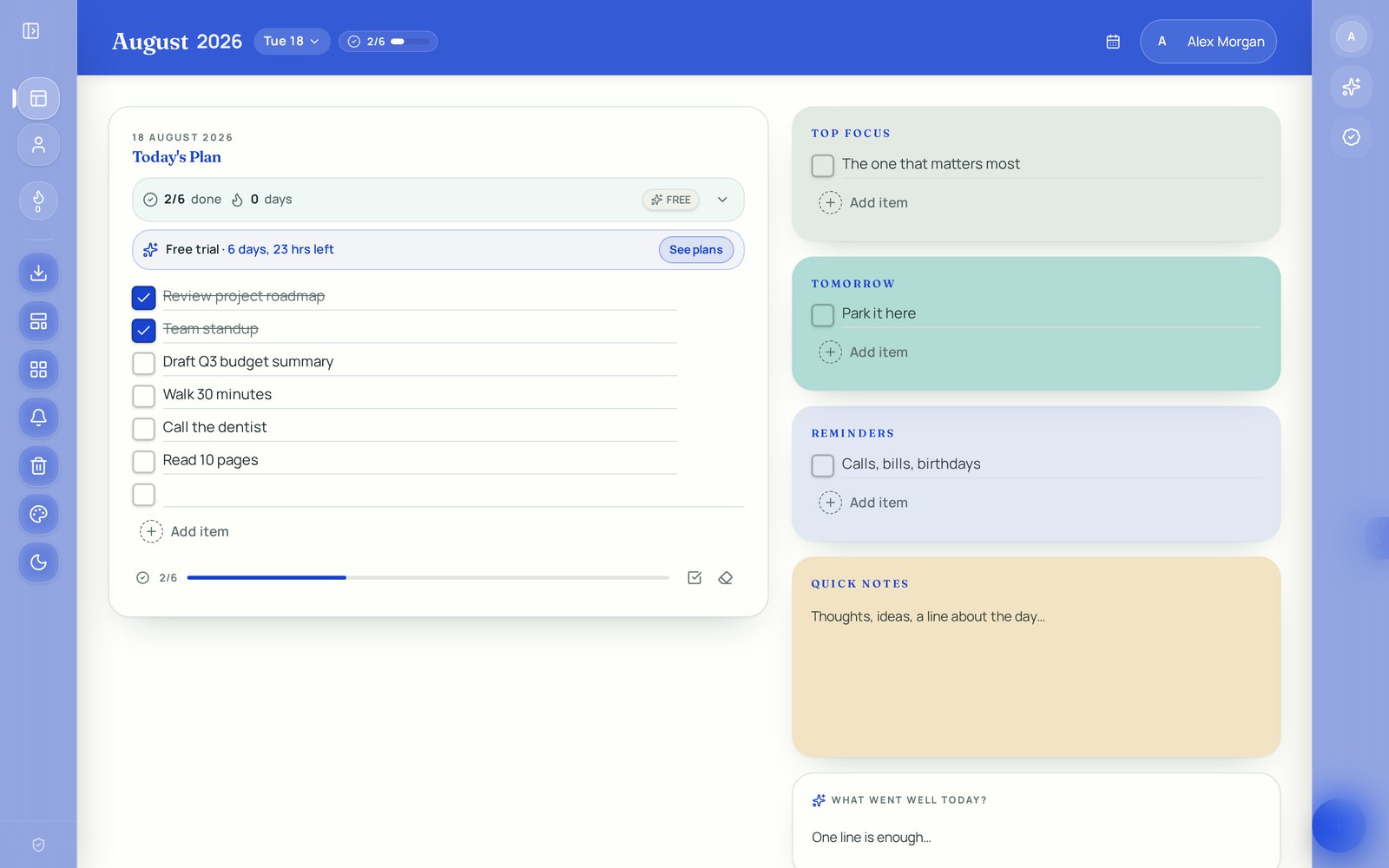
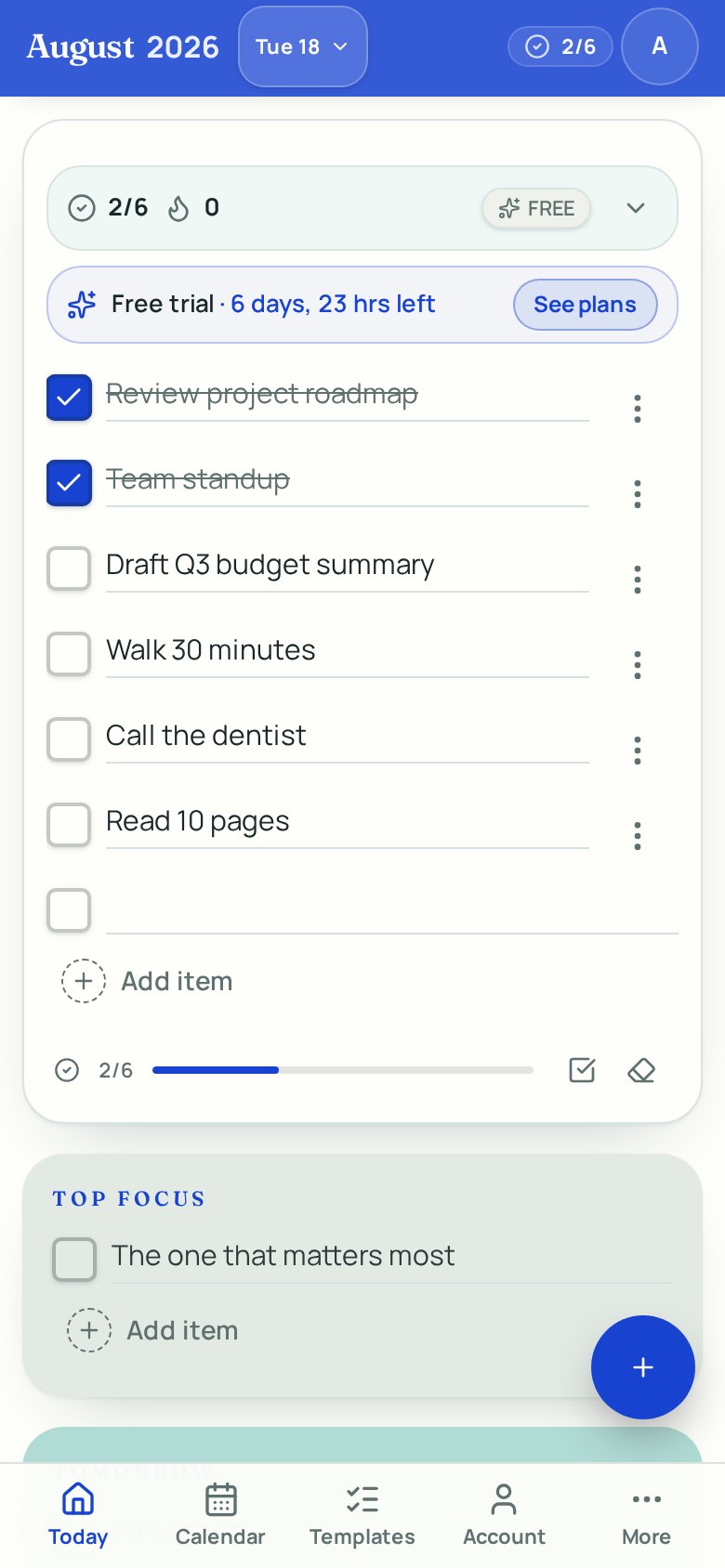
A few empty lines waiting for you. Add what matters, tick it off, move on — no projects, boards or labels to maintain.
Mark a task “Every day” or “Every weekday” and it quietly shows up again tomorrow. Rename it once and future copies follow.
Move between days with a swipe, the arrow keys or the date pill. Yesterday's unfinished work can carry over in one tap.
Your day is saved on your device first, so the planner keeps working on a plane, a train or a bad signal.
Built for touch first — large tap targets, safe-area aware layouts, desktop apps for Windows and Mac, and an installable web app.
No ads, no trackers selling your tasks. Sign in with Google only when you want your days synced across devices.
Plan comfortably from your desk, make quick updates from your phone, or access your schedule instantly from the web.
Get Simple Daily Planner from the Microsoft Store for a convenient, distraction-free planning experience on your Windows PC.
Installed and updated by the Microsoft Store
Review your priorities, update tasks and keep your schedule accessible while you are away from your desk.
Open Simple Daily Planner in your browser and begin organizing your day immediately.
Wondering what Pro costs? See pricing.
Open your planner directly from your computer or phone.
Plan your day in a clean workspace designed around your priorities.
Choose the web, desktop or mobile experience that suits your routine.
No complicated setup—just a straightforward way to organize your day.
The daily checklist is free to use. Pro adds cloud sync, reminders, PDF export, extra panels and every theme — with a 7-day trial that never asks for a card.
Free
$0
Plan today on this device, forever.
Pro — yearly
$9.99
Per year, cancel any time.
Pro — lifetime
$29.99
One payment, yours for good.
A dedicated Windows app with its own window, taskbar icon and keyboard shortcuts. Sign-in, sync, reminders, PDF export and Pro all work the same.